
Play 360° VR Videos on Any Device
VRTV VR Video Player is a desktop application designed for immersive video playback, enabling users to experience 360-degree and 3D videos through compatible VR headsets. The software serves as a bridge between mobile devices and VR hardware, streamlining the process of viewing high-resolution spatial content. It supports a wide range of video formats, including common codecs and stereo video configurations like side-by-side and over-under.
The application is particularly useful for content creators, educators, and VR enthusiasts who need a reliable tool for testing or presenting VR media. It also facilitates synchronized playback across multiple devices, making it suitable for collaborative viewing sessions. The software is optimized for use with smartphones and third-party headsets, allowing users to enjoy a seamless virtual reality experience without requiring complex setup procedures.
Key Features & Capabilities
- 360-Degree and 3D Video Support – The software enables playback of 360-degree panoramic videos and 3D content using various projection formats, including fisheye and equirectangular. This allows users to explore immersive environments by freely moving their head within the virtual space.
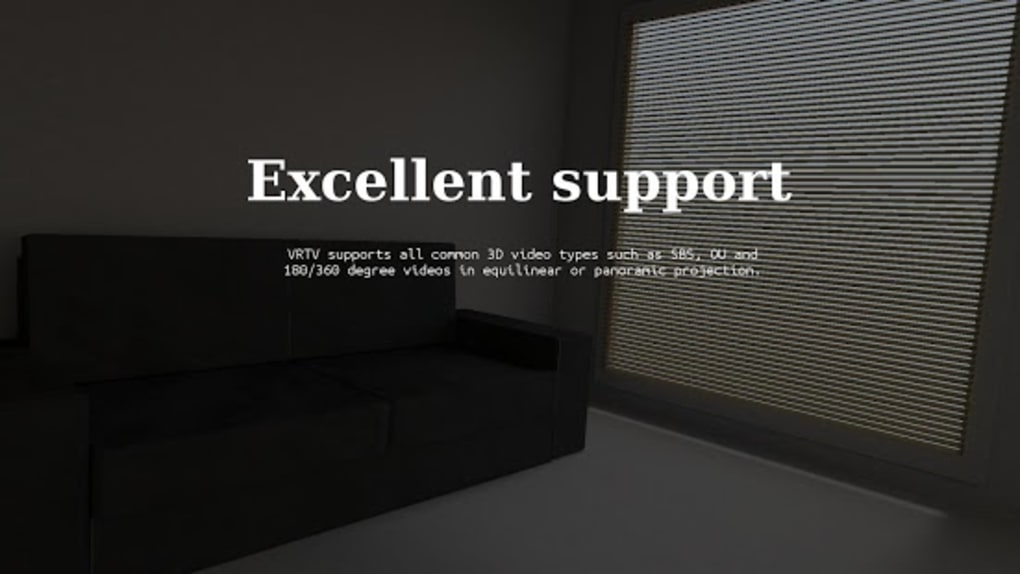
- Multi-Format Compatibility – VRTV VR Video Player supports a broad range of video codecs and common stereo formats such as side-by-side (SBS) and over-under (OU), ensuring that most VR content can be played without conversion.
- Automatic Encoding – When necessary, the application can automatically encode unsupported files to ensure compatibility, reducing user effort during setup.
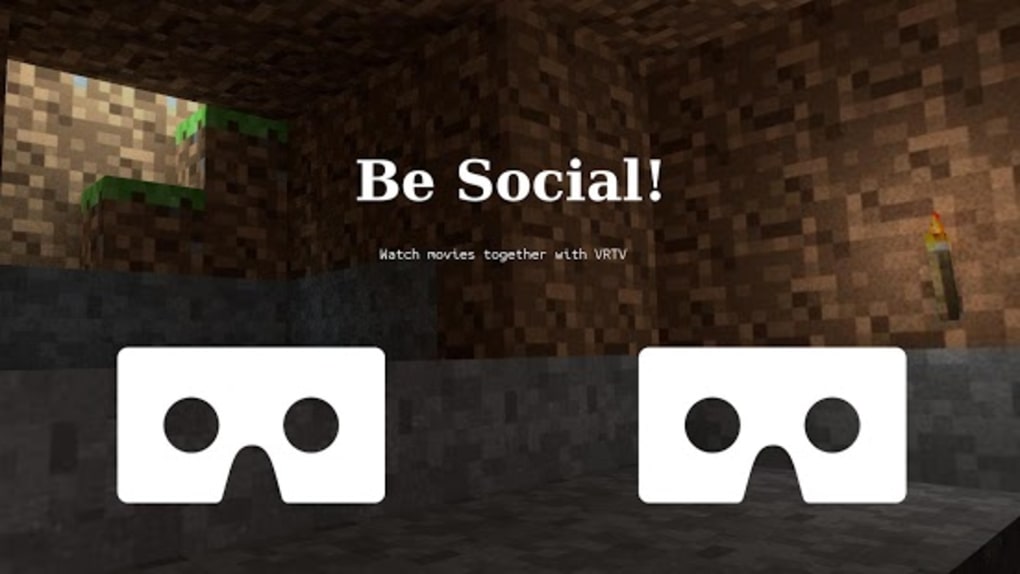
- Device Synchronization – The software allows multiple devices to play the same video simultaneously, which is ideal for group viewing or live presentations in educational or professional settings.
- Customizable Controls – Users can configure keyboard and gamepad inputs to suit their preferences, improving accessibility and comfort during extended use.
- Thumbnail Caching and Screen Lock – The latest version includes features such as thumbnail caching for faster navigation and screen lock functionality to prevent accidental touches during playback.
- Static Video Mode – A dedicated mode for longer videos helps maintain visual stability and reduces motion discomfort, enhancing the viewing experience for extended content.
User Interface, Workflow & Performance
The user interface of VRTV VR Video Player is designed with simplicity and functionality in mind. The layout provides clear access to playback controls, file browsing, and settings, enabling users to navigate through their media library efficiently. Navigation is intuitive, with a focus on minimizing user friction during the setup and playback process. The workflow is streamlined, allowing users to load a video file, select a viewing mode, and begin immersive playback with minimal steps. The software integrates well with VR headsets, offering a responsive experience once connected. Performance details were not specified by the developer. However, based on general software behavior, the application is expected to maintain stable operation during playback, with resource usage likely optimized for desktop environments. The developer did not provide additional system requirements or performance benchmarks. Stability during extended sessions was not confirmed, but the inclusion of features like screen lock and thumbnail caching suggests attention to user experience and session continuity.Compatibility & System Requirements
VRTV VR Video Player is available for both Windows and Mac operating systems. The software has a file size of 24.5 MB, indicating a lightweight installation. The current version is 2.0.1, released on May 15, 2024. The developer did not specify exact system requirements, including CPU, RAM, or GPU specifications. Platform compatibility information is limited to the operating systems listed. Users are advised to ensure their system meets general desktop standards for running multimedia applications. The developer did not provide information on whether the software requires an internet connection for activation or updates. No details were shared regarding hardware acceleration or VR headset integration protocols.Pros and Cons
Pros
- Supports 360-degree and 3D video playback with multiple projection formats
- Wide compatibility with common video codecs and stereo formats
- Automatic file encoding for improved usability
- Device synchronization for group viewing experiences
- Customizable keyboard and gamepad controls
- Includes useful features like thumbnail caching and screen lock
- Lightweight installation at just 24.5 MB
Cons
- Exact system requirements were not listed
- No information on performance under heavy workloads
- Compatibility with specific VR headsets was not confirmed
- Developer did not provide details on update frequency or release notes
- Offline functionality details were not specified
FAQ Section
Is VRTV VR Video Player compatible with all VR headsets?
The software is designed to work with several third-party headsets, but specific compatibility details were not provided by the developer.
Can I use VRTV VR Video Player without an internet connection?
While the application may function offline, the developer did not specify whether internet access is required for activation or updates.
Does the software support subtitles in VR videos?
Yes, the software recognizes subtitles and integrates them during playback.
How often are updates released for VRTV VR Video Player?
The developer did not disclose update frequency or release schedule.
Is VRTV VR Video Player free to use?
Yes, the software is available at no cost to users.





.png)

